

Request: Is it possible to create a way for us to easily see which company we are working in?
🎉 Status Update: This has now been added to our Simpro Enhancement Pack
We have created a fast and easy way for you to see which Company you’re in within Simpro. With this enhancement, the core colour of Simpro will be changed to the colour that has been set up in Company Setup, this will be visible on the lefthand side navigation bar.
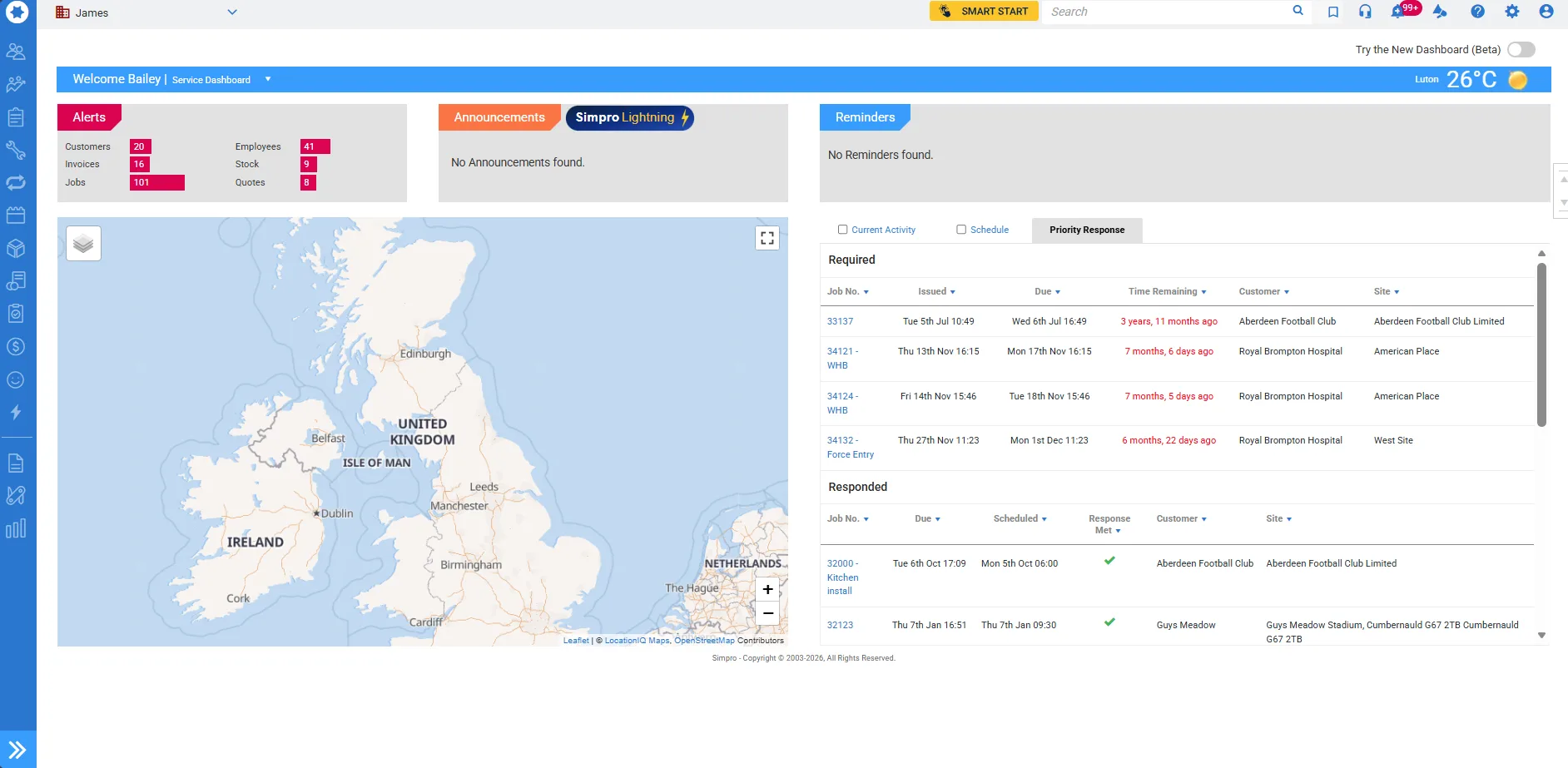
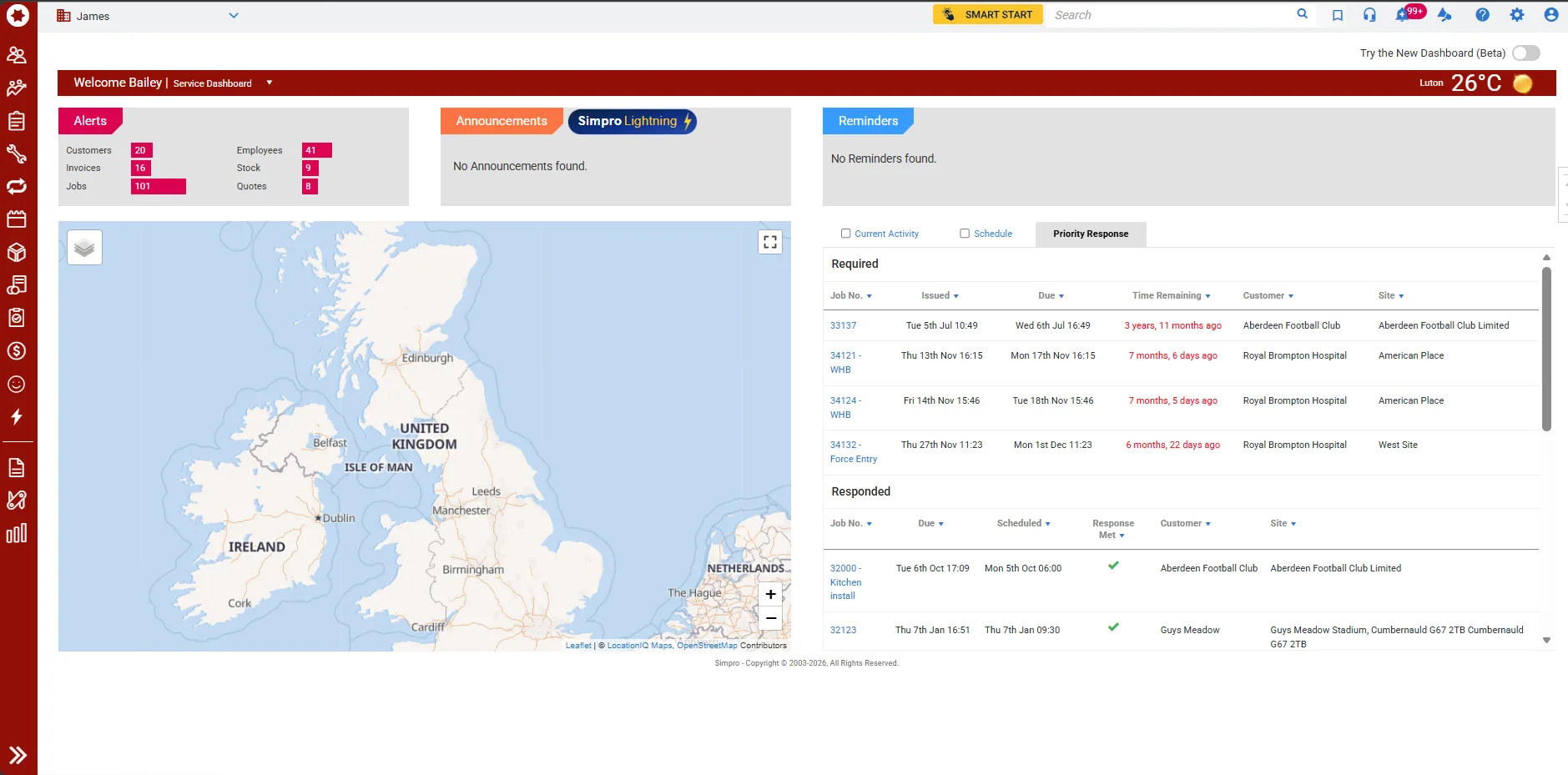
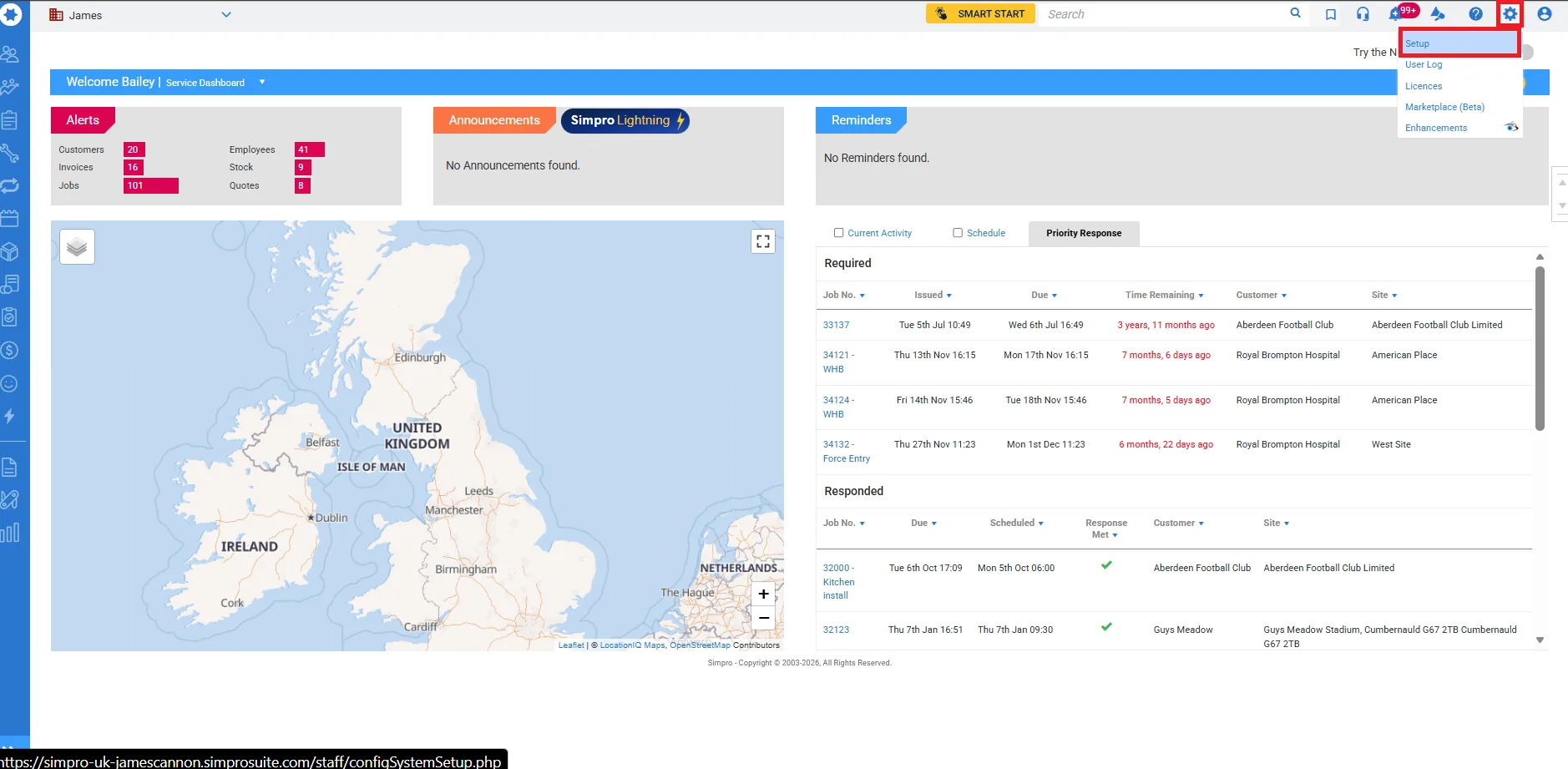
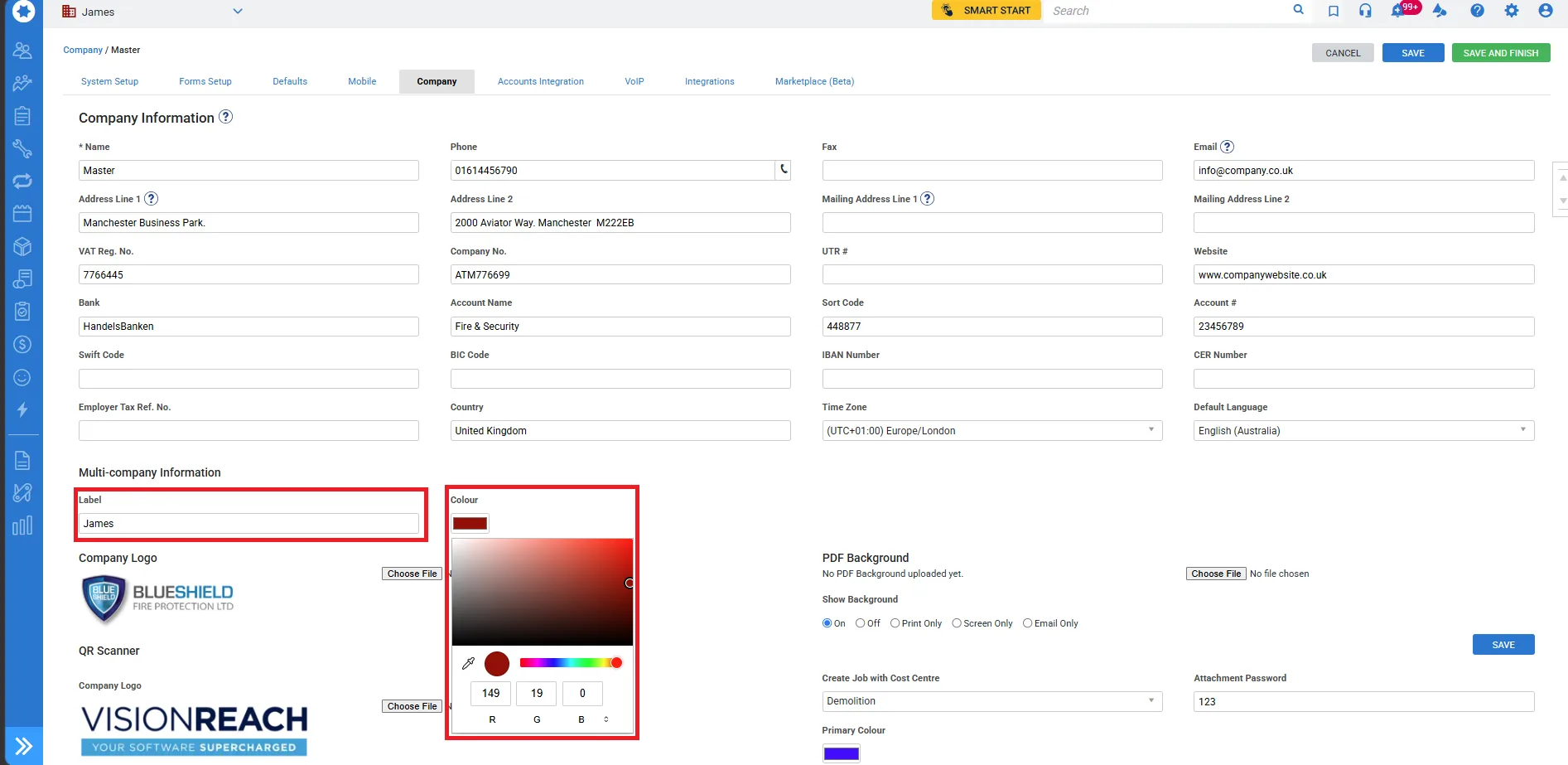
The Setup is easy, you simply hover over the Cog icon navigate to “Setup”, click “Company”, select the Company you wish to enable this for, on the “Company Information” page, you will see “Multi-Company Information”, underneath this, there is “Label”, where you can enter the name of the company, and “colour”, which allows you to customise the colour of your build. Click save and finish, and your build will now show your company colour.
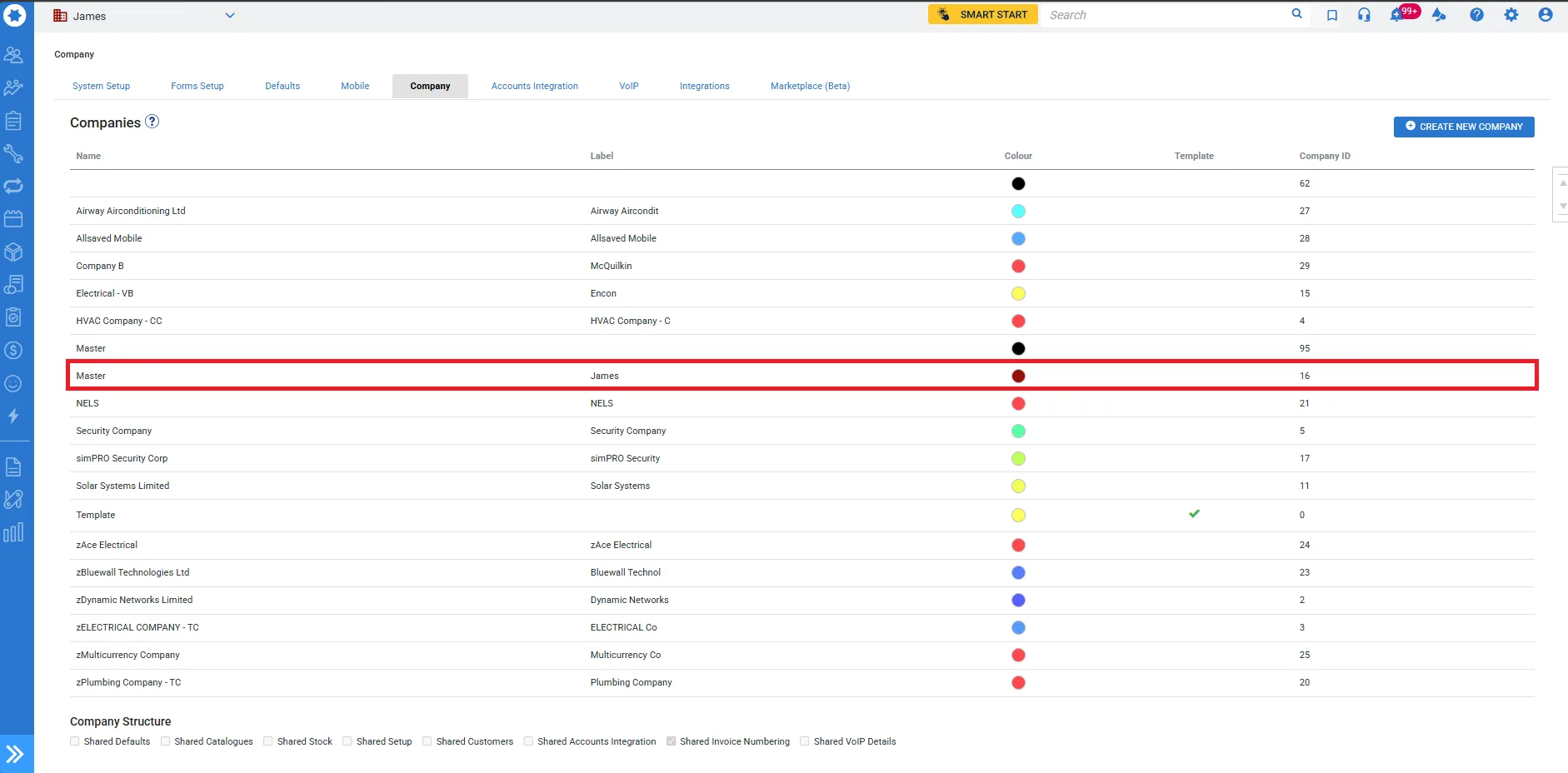
(Please click the images to expand)